
Find out why WordPress developers are ditching traditional setups for darker, alternative platforms or themes, for design and functional benefits.
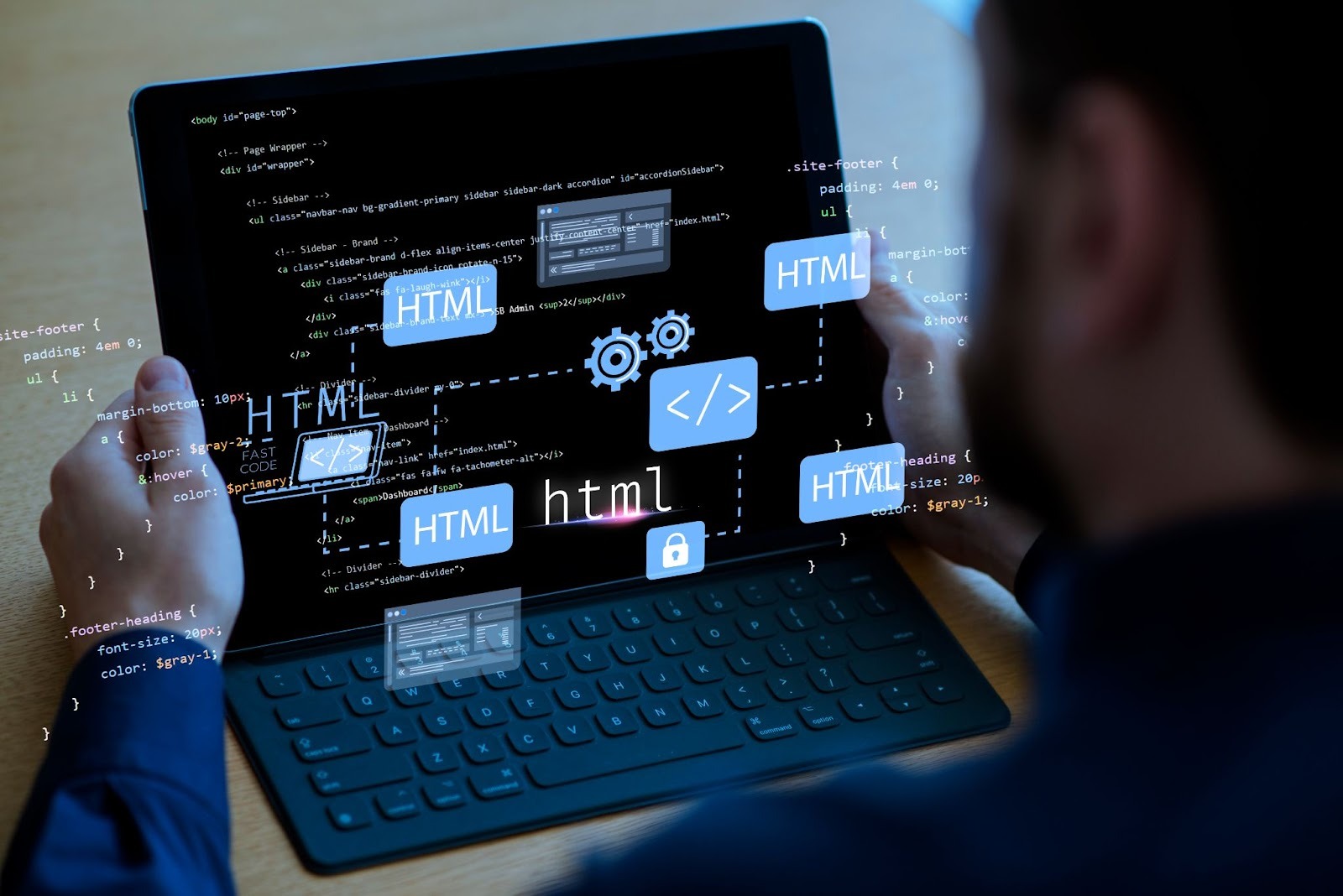
Walk into the home office of a seasoned WordPress developer at 2 AM, and you’ll likely see a familiar sight. They are in front of a glowing screen displaying a sea of deep charcoal and obsidian, accented by neon streaks of PHP and CSS. For the people who build the web, Dark Mode isn’t just an aesthetic trend but a professional standard!
But why have WordPress web design companies embraced the dark side so fervently? To understand the trend, we have to look at where it started and how the Dark UI became the ultimate power tool for modern creators.
A Brief History: From the Matrix to the Modern Web
Believe it or not, Dark Mode isn’t new—it was actually the original Light Mode! In the 1970s and 80s, early Monochrome CRT monitors were the default because they were technically easier to produce.
The shift to white backgrounds only happened in the 90s as a marketing ploy to make computers look more like digital paper for office workers. However, as the web evolved and WordPress became the internet’s backbone, developers realized that staring at the digital sun for 12 hours a day wasn’t sustainable. Around 2019, when Google and Apple introduced system-wide dark themes, the WordPress ecosystem followed suit. It turned what was once a retro limitation into a premium design feature!
Benefits of the Dark Mode
The Code Clarity Factor
In WordPress website design companies in Kolkata, they are juggling several lines of code. When you’re staring at a white background, every character carries the same visual weight. However, syntax highlighting (color-coding of different programming elements) becomes a superpower in Dark Mode. Here are more benefits:
- Functions, variables, and strings pop against a dark background.
- It’s much easier to spot a missing semicolon or a broken tag when the colors are vivid and distinct.
- Dark interfaces minimize the halation effect (where white text seems to bleed into a white background), keeping the text crisp and readable.
Biological Longevity: Protecting the Creator
Most WordPress web development companies in Kolkata, like Digital Concepts, are like digital marathon runners. Staring at a high-brightness white screen triggers a photostress response, causing the iris to constrict and leading to digital eye strain.
Developers reduce their exposure to blue light by switching to a dark interface. Light mode is also known to disrupt circadian rhythms. This is especially critical for the “night owl” developer who does their best work when the world is quiet! Dark mode allows the eyes to remain relaxed, extending the flow state by hours.
The Power of OLED and Energy Efficiency
As WordPress website design agencies in India move toward mobile-first and high-performance laptops, battery life is a legitimate concern. On modern OLED and AMOLED screens, displaying black literally means the pixel is turned off.
For a developer using a MacBook or an iPad Pro, Dark Mode can extend battery life by up to 30%. This energy efficiency isn’t just about the battery alone—it’s part of a broader Green Web movement. By building and testing in dark mode, developers are often more mindful of the energy footprint of the digital products they create.
Psychological Focus and UI Noise
WordPress is a powerful but busy platform. The Gutenberg editor, the plugin menus, and the sidebars can be visually overwhelming. Dark Mode has a unique psychological effect. It makes the tools recede and the content advance!
When the UI is dark, the focus naturally drifts towards the white or colorful elements of the website layout you’re actually building. It creates a theatrical experience where the interface is the dark audience, and the website-in-progress is the spotlighted stage.
The love for Dark Mode in WordPress web design isn’t just about looking cool (though it definitely does). It’s an intersection of ergonomics, technical efficiency, and deep focus. Sometimes, staying in the dark is favorable!